
01Agents
Specialists that use the repository, not a toy sandbox.
Route work to focused agents, inspect every tool call, and keep the parent session responsible for the final result.
Delegation · tool evidence · session lineage
Open guide →

Agent delivery workspace for software teams
Give kill9 a ticket. It plans the work, edits your repo, runs the checks, and brings every consequential decision back to you.
You approve the decisions. kill9 handles the process.
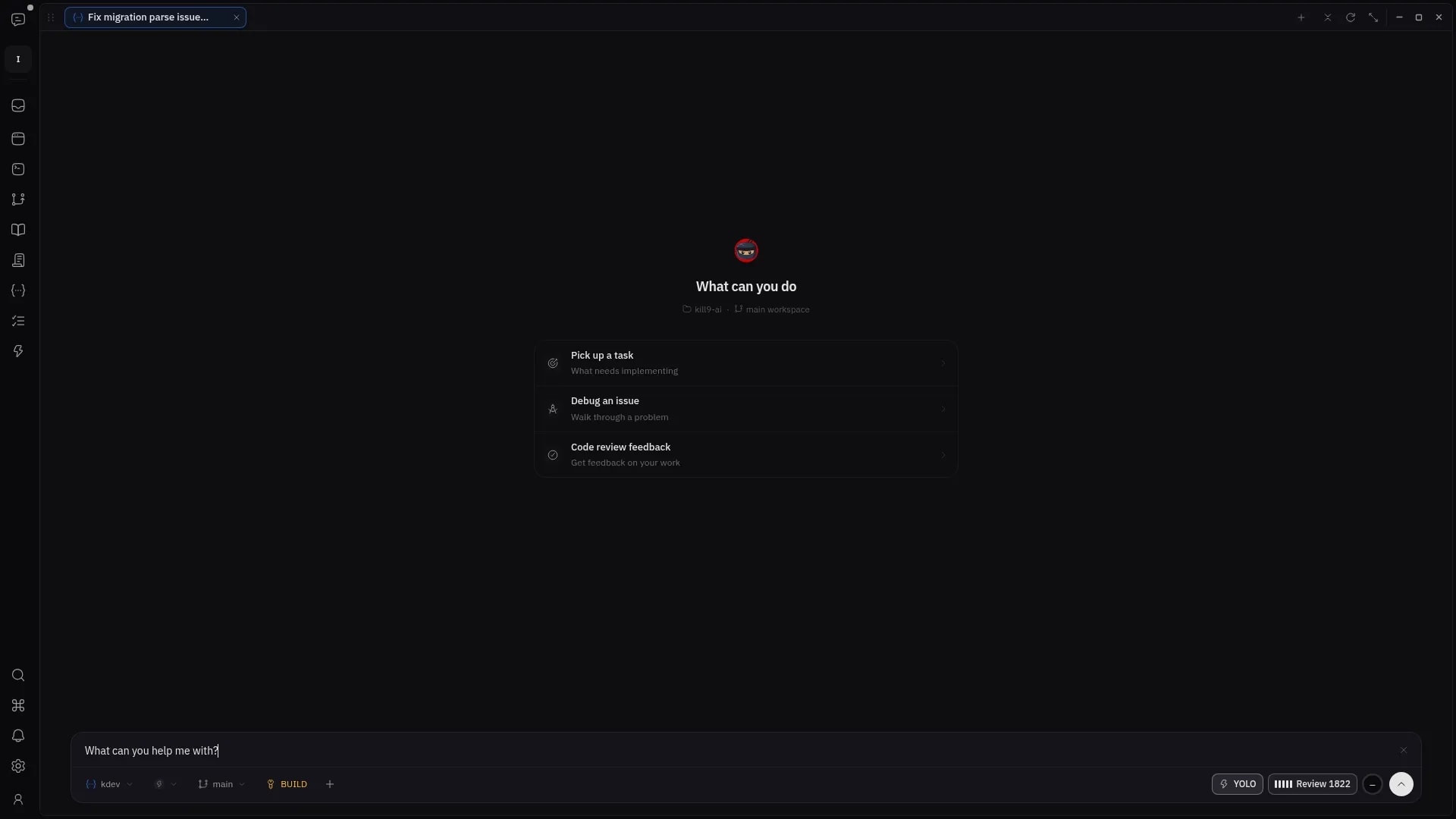
Prompt → repository read → reproduced failure → one-line fix → passing verification.
Watch the full tour →Agent delivery workspace for software teams
Give kill9 a ticket. It plans the work, edits your repo, runs the checks, and brings every consequential decision back to you.
You approve the decisions. kill9 handles the process.
Prompt → repository read → reproduced failure → one-line fix → passing verification.
Watch the full tour →One ticket, start to finish — in the real app, not a mockup. Watch it happen: the agent works, the process holds, the memory carries, and you decide what ships.
An agent that reads your repo and fixes the code. A workflow that keeps the process honest. Project memory that carries between sessions.

kill9 does not hide planning, execution, context, and review behind a single progress spinner. The surfaces stay distinct so the team can understand what happened and decide what happens next.
Route work to focused agents, inspect every tool call, and keep the parent session responsible for the final result.
Delegation · tool evidence · session lineage
Open guide →Define lifecycle states, ownership, required artifacts, and review gates instead of burying the process in prompts.
Stages · transitions · approval boundaries
Open guide →Keep decisions, conventions, prior evidence, and repository context available without pasting the same brief into every session.
Memories · decisions · supporting evidence
Open guide →Inspect the changed files and exact patch, then approve, revise, or reject with the evidence still attached to the work.
Focused diff · AI review · explicit approval
Open guide →The guides follow the same boundaries shown in the product film: establish context, let the agent work, inspect the evidence, and keep the final decision human.
Install the app, attach a repo, connect a model, and reach your first reviewable session.
02Turn a product idea into a PRD, architecture, stories, implementation, and verification evidence.
03Reproduce the problem, keep the patch narrow, verify the behavior, and inspect the resulting diff.
04Define lifecycle states, specialist assignments, documents, transitions, and approval gates.
A local desktop workspace, explicit workflow state, model choice, and tools you can inspect. Not an opaque queue behind a chat box.
Add skills and MCP servers without hiding the capability list. You can see exactly what each agent is allowed to use.
Split, tab, and resize the workspace around the job: agent thread, code, plan, terminal, or project state.
Ask the orchestrator what is blocked, update a story, or dispatch the next step while specialist sessions continue.
Run small fixes, research, documentation, and verification in separate sessions without losing their parent workflow.
Connect supported OAuth or API-key providers, pick the default model, and override it per agent when the work needs it.
Share workflows and agent definitions while keeping workspace roles and consequential actions visible.
Open the files and commands beside the agent session when direct intervention is faster than another prompt.
Keep decisions, feedback, and useful project knowledge available across sessions instead of rebuilding context every time.
Start with one repo and one small task. Keep every decision visible.